
Ninja Arashi 2 Mod Menu Features
Using a modified version without knowing the Mod features, settings, and controls can be tricky. In this guide, we will discuss all of the Ninja Arashi 2 Mod Menu Features. After reading this guide, you will be able to use this mod apk precisely according to your preferences. Use the right mod feature at the right time to complete every mission, quest, and epic battle.

Mod Name
Ninja Arashi 2
Version
1.8
Developer
Void X
OS
Android
Category
Action Game
Mod Type
Unlocked All
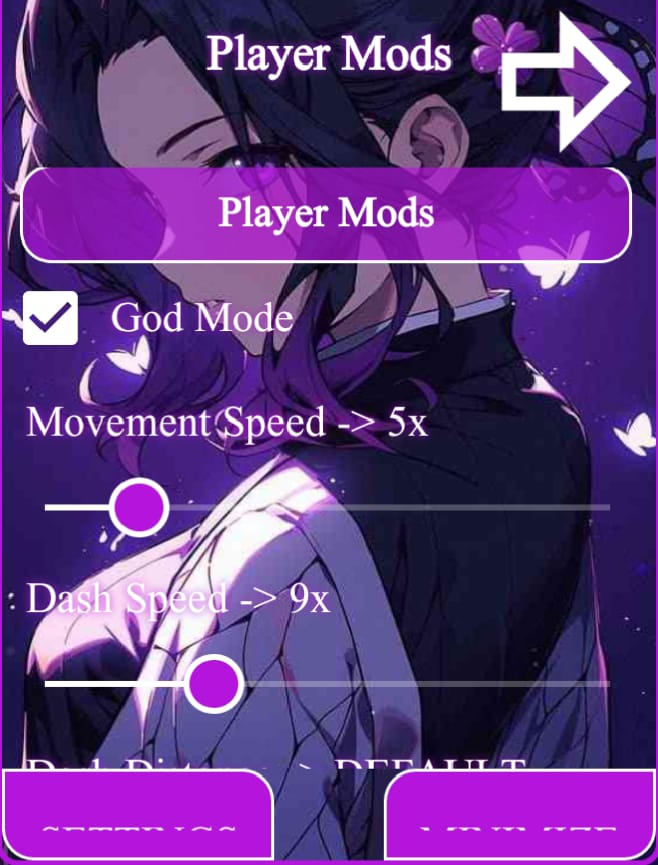
Void X developed this mod menu for the role-playing game Ninja Arashi 2. Which has three different options: the first is “Player Mod”, the second is “Game Mod”, and the third is settings. Let’s dive into all of them and become a master in Ninja Arashi 2 Mod Menu.
If you read this complete guide, you will become an expert in using this mod. I have personally used this mod many times and am familiar with every setting. I have shared everything I know about this mod. Now, it depends on you whether you read this guide fully or not, and how you implement the things you have learned. Best of luck.
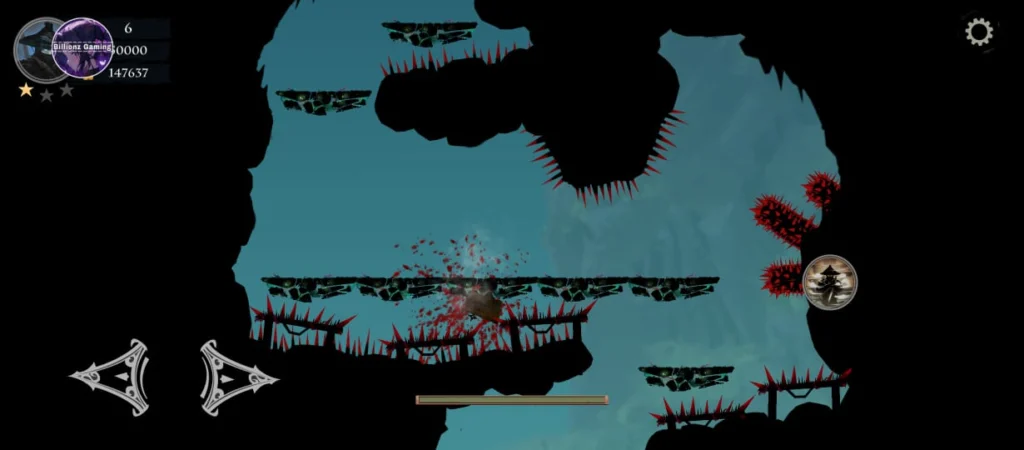
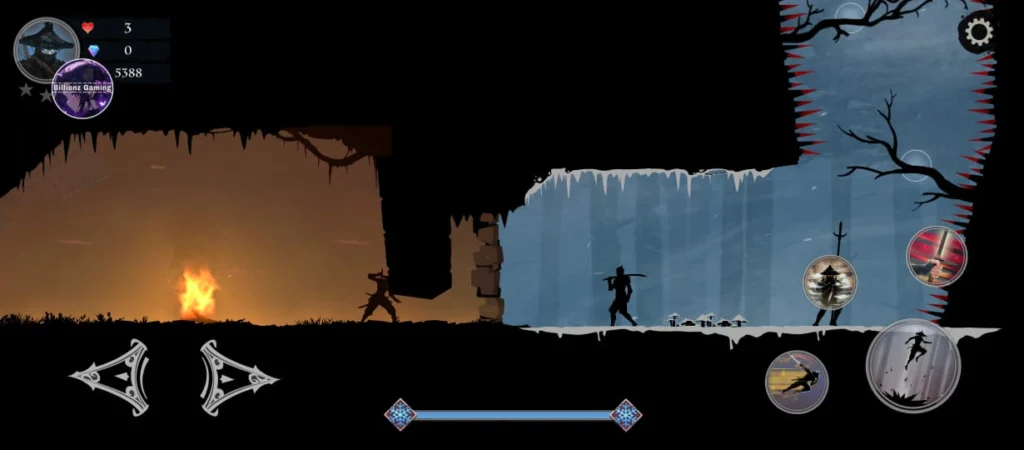
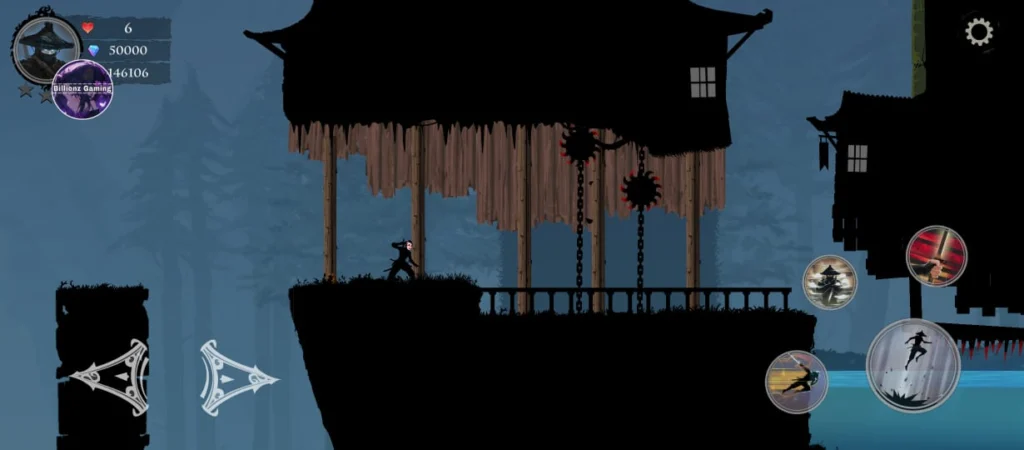
Mod Play Screen Shots
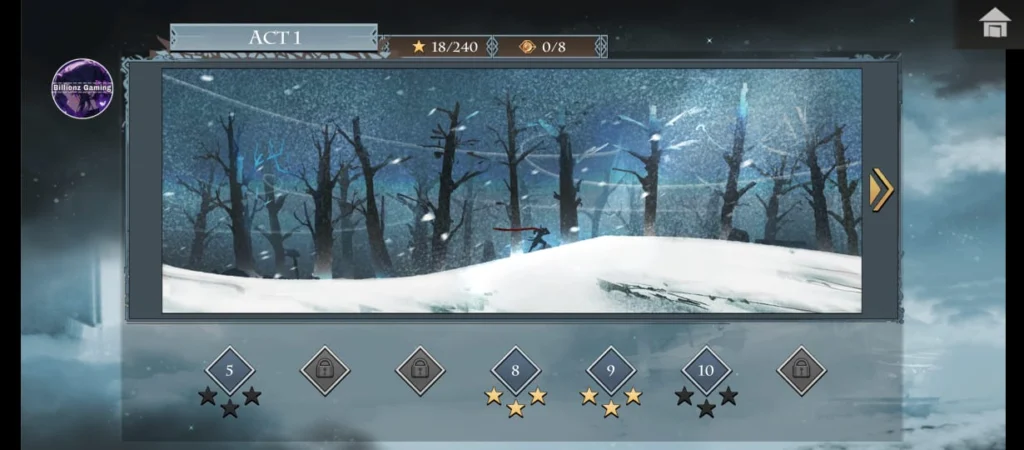
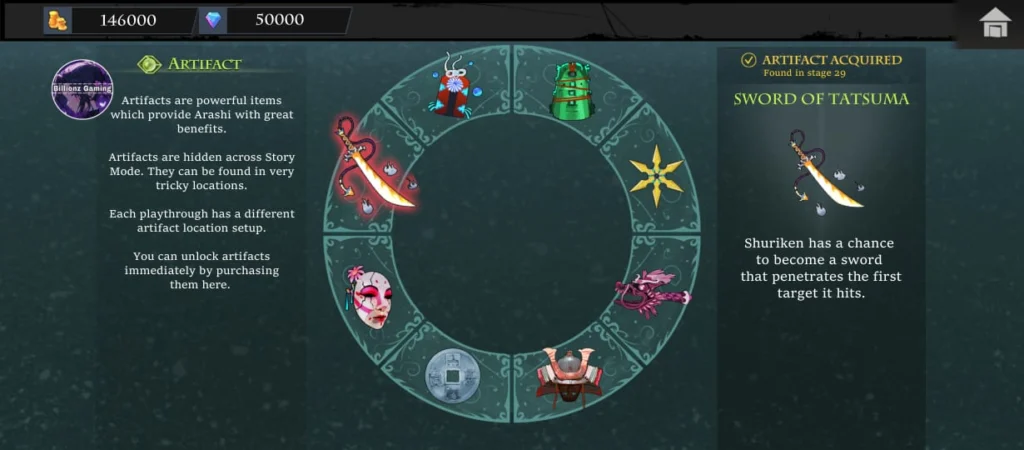
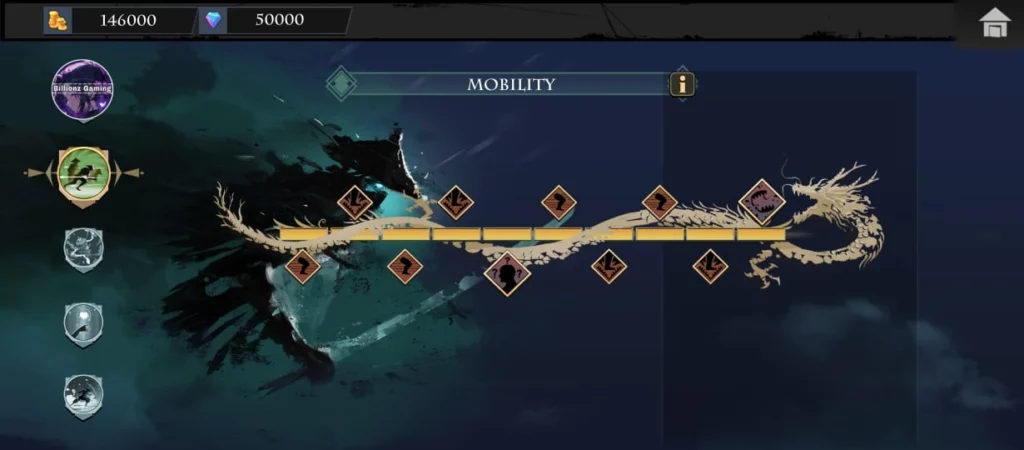
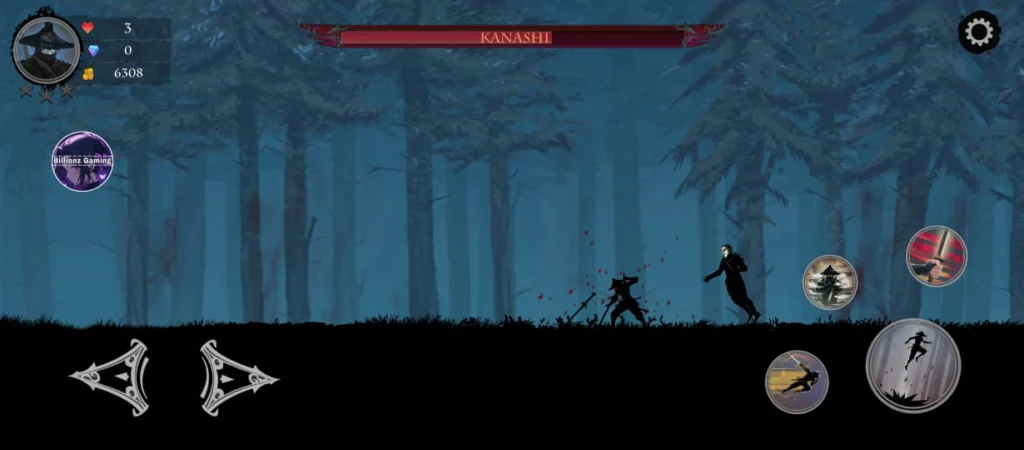
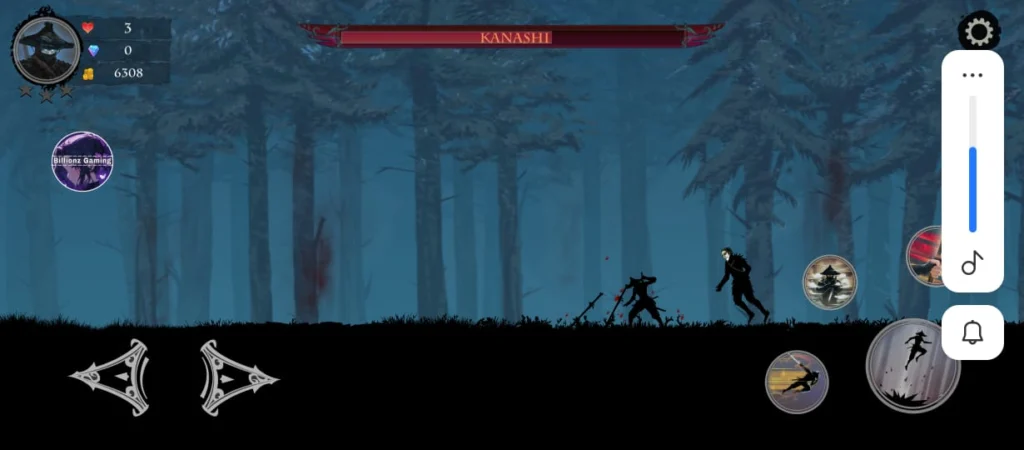
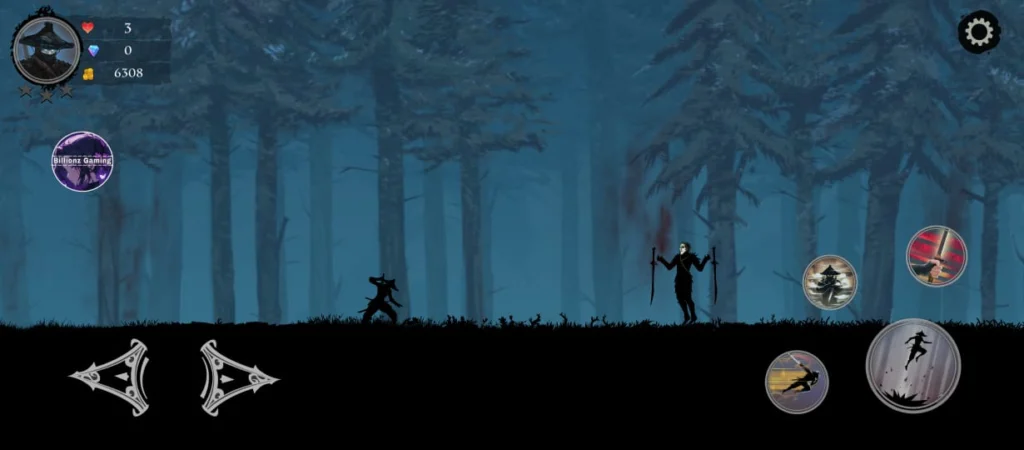

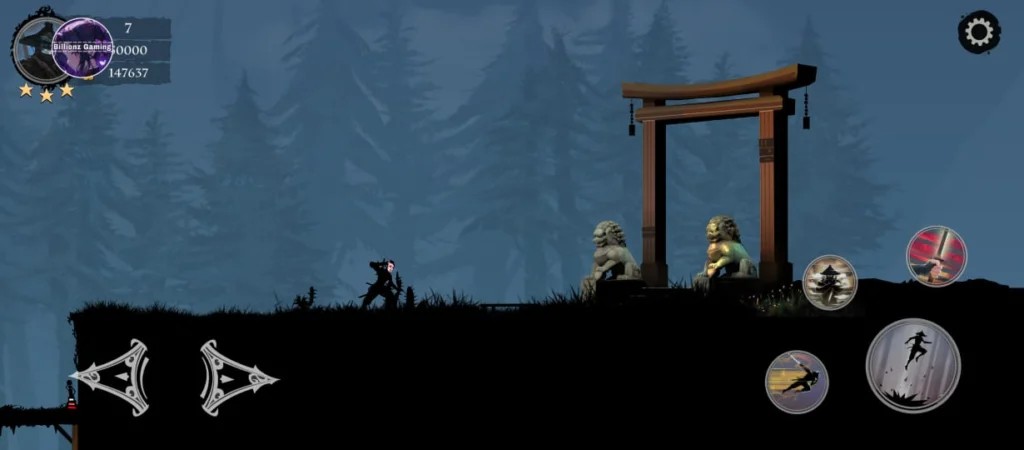
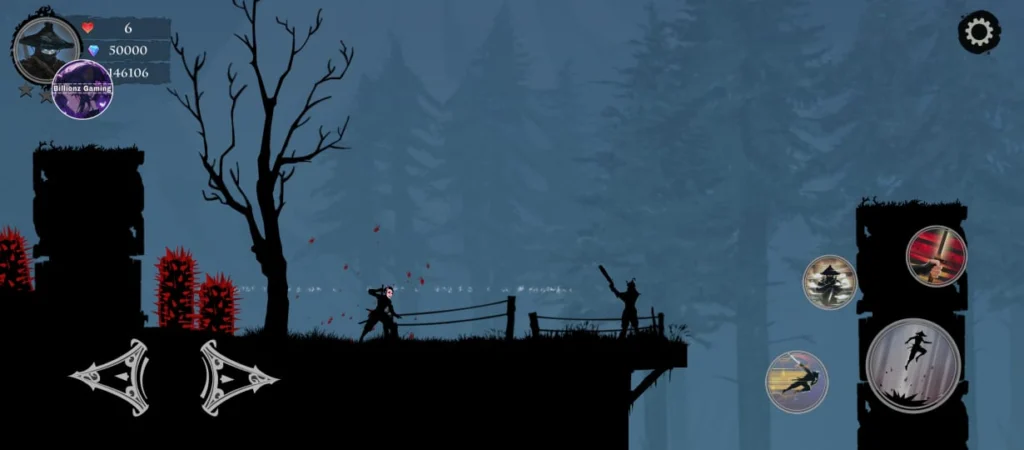


Player Mod Features
God Mode
God mode helps Ninja Arashi to become invincible/immortal. If you enable this, nothing will be able to kill/defeat you. You can use it in the complete game. Game traps, villagers, enemies, and bosses’ attacks will no longer affect you.
If you want to understand the Traps and Enemies of Ninja Arashi 2, then check out this article.
Movement Speed
Movement speed makes Ninja Arashi super fast. When you start the game, its value will be set to default. You can increase it from 1x to 30x. I recommend you set it to 5 or 7x. You can tease your enemies with movement speed. Higher speed can make the ninja move like a flash, which can interrupt the gaming experience.
Dash Speed
It controls the strike speed of Arashi. Recommended speed is 5x or 7x. Using it will make Arashi strike super fast compared to the normal speed.
Dash Distance
Imagine you have 5 enemies in a row and you want to kill them all with a single dash. But the default dash speed will only kill 3 enemies. If you increase the dash distance, you will be able to kill all the enemies in a row with a single dash. I recommend you set it to 7x – 9x. This feature can create some problems, like sometimes the ninja will get stuck in traps, walls, or at heights. So, use it only when required.
Jump Height
Some heights in different stages of the game are impossible to climb with normal jump height. If you increase it to 4 – 5x, then you can climb them with a single jump. This feature controls how higher ninja arashi should jump.
Unlimited Jumps
In the normal version, you can jump only two times. Enabling this feature will allow you unlimited jumps. You can even complete some stages with unlimited jumps without landing on the ground. I did it many times.
No Shoot Cooldown
When you throw a shuriken at your enemy, it will take some moments to throw another. Enabling “No Shoot Cooldown” will allow you to throw multiple shurikens in a single moment. This feature is useful in boss fights and against powerful enemies.
No Dash Cooldown
You can use “Dash Strike” without waiting for the timer. Using this, you can cut your enemies into pieces without using shuriken.
No Transform Cooldown
This feature is the same as “no dash cooldown”. You can use the “Disguise” multiple times without waiting for the timer. The best feature is to play hide and seek with your enemies. This feature is really annoying.
Unlimited Transform Time
You can stay hidden from your enemies as long as you want. This will remove the transform timer from the disguise feature.
Disable Gravity
if enabled, whenever you jump in the game, you will never land on the ground. To disable this, you have to restart the entire game. Use it at your own discretion.
Auto Leviation
This feature is the same as gravity. After enabling it, when you tap on jump, you will go higher and higher and never land on the ground. The only option to land on the ground is “disabling it”.
Disable Shoot
This will disable your Shuriken throwing ability.
Disable Double Jump
You won’t be able to jump twice in a row.
Disable Controls
It will disable all the controls; you won’t be able to move, attack, or jump.
Active shield
This creates a life-saving shield around your ninja arashi. This protects Arashi from fire, bullets, enemy attacks, and poisonous fountains.
Add Coins
This will add coins to your game. You can use it multiple times to add unlimited money to purchase various in-game items.
Add Life
This feature adds new life to Ninja’s lives. You can add unlimited lives to make the ninja undefeatable.
Push Back
Use this to push back the ninja from the current position. Better to use in a crowd of enemies to protect the ninja. Then attack with a complete strategy to defeat enemies. If your next step could cost the Ninja’s life, use “Push Back” to keep him alive.
Weaken Ninja
After enabling it, the ninja will become weaker than normal. The Ninja will become worse off, behaving like he has been drinking.
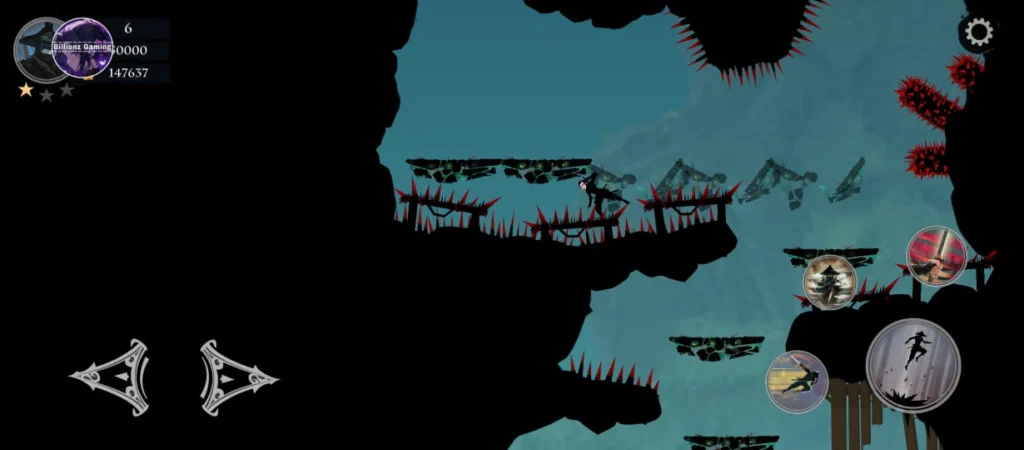
Kill Ninja By Death Type
With this Ninja Arashi 2 Mod Menu Features, you can kill Ninja Arashi whenever you want on any level. In this feature, you will get 4-5 different, unique death styles to finish off the Ninja. Didn’t try it in real life? Do it here… just kidding! Here are some types mentioned below.
Shopping Features in Ninja Arashi 2 Mod
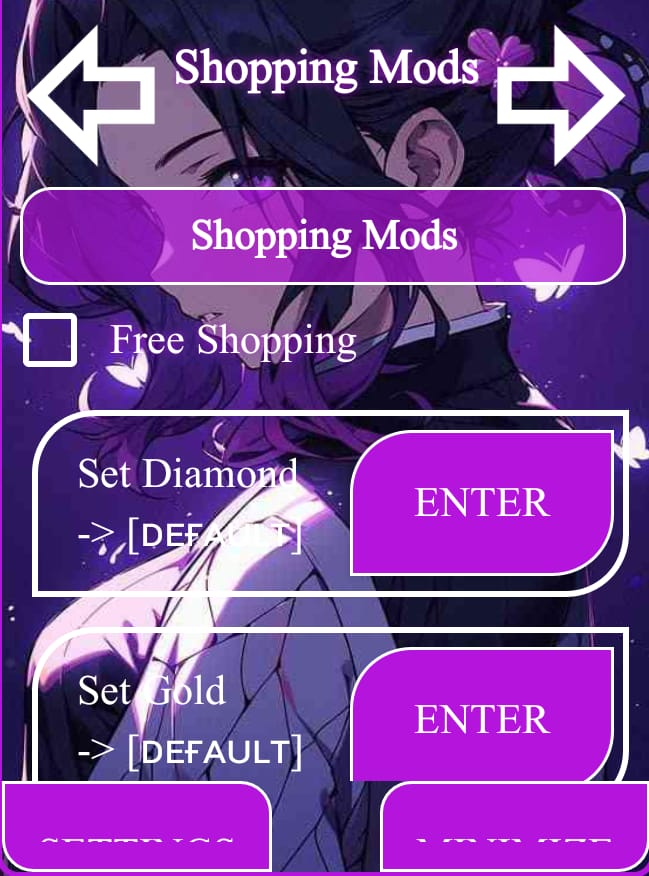
Only 3 mods are available in the shopping mods. One is “Unlimited Shopping”; if you enable it, you can purchase any game item without spending Coins and Diamonds. 2nd is the “Diamond” option, using this, you can set as many diamonds as you need. The third and last mod is “Gold”, which is the same as the diamond mod.
Game Mods in Ninja Arashi 2 Mod Menu
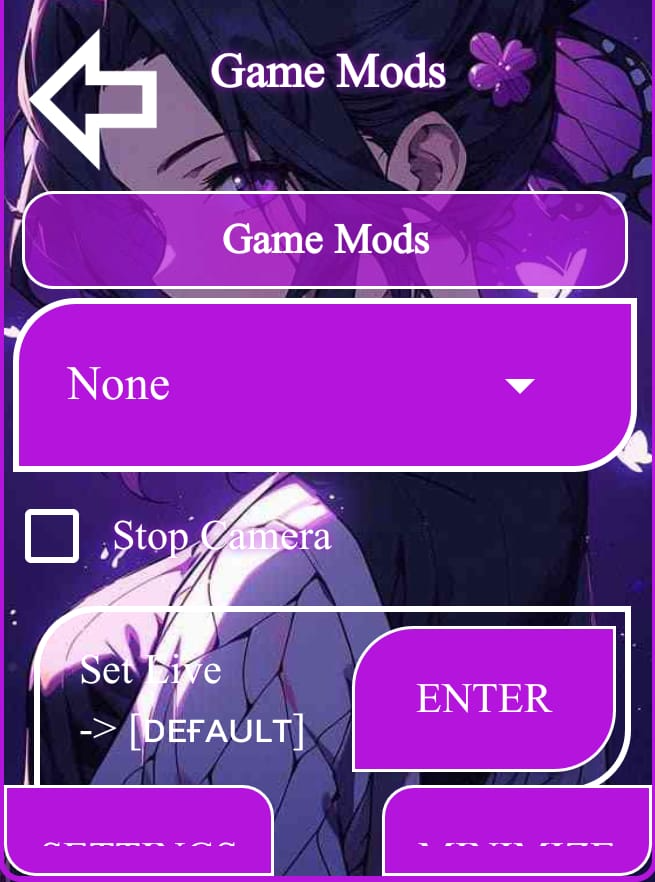
Set Level
This option lets you pick any level you want to play from 1 to 80. Just select the level and start playing.
Stop Camera
If you enable it, the camera movement will be frozen. But the Ninja will be able to move along with the current screen.
Set Live
This feature is the same as Gold and Diamonds. You can set as many lives as you want, from 1 to 999.
Win Level
You are stuck on any level, and you can’t complete that level. It hurts, but what if I say to you that “ you can win any level with a single tap”? Yes, you read it right, with this option, you can win any level.
Instant Next Level
Tapping this option will skip the current level without completing and load the next level instantly.
Lose Level
You can lose the current level without playing it
Exit Level
You can lose the current level without playing it
Remove & Show Controls
Want to take a screenshot of your gameplay? But you don’t want the game controls in the picture. Well! Use this option to hide and show controls.
Settings of the Ninja Arashi 2 Mod Menu Features
Using “Settings,” you can customize the mod menu UI. Change the menu color, images, opacity, and size of the icon. Let’s explore all the settings of the Mod menu without any fluff.
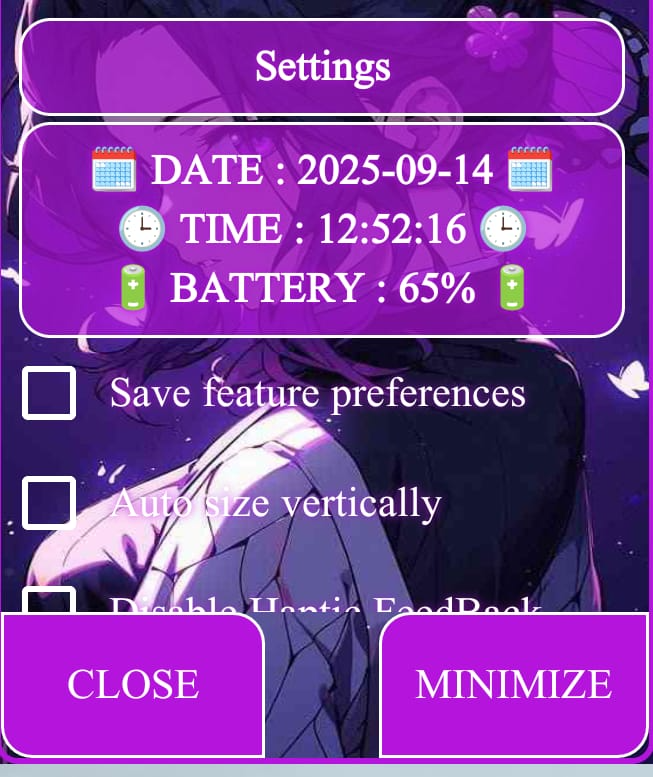
Save Feature Preferences
This setting is the best in this mod. Because all the settings you made in your mod, the features you enabled/disabled, will automatically load the next time you play the game. You won’t need to set them again. However, if you want to make some changes to the mod, just make those changes and then enable it again.
Auto Size Vertically
Enabling it will set the mod menu size completely vertically.
Share Tester
With this button, you can share this mod with your friends and family members using any of the social / texting apps.
Ninja Arashi 2 Mod Menu Settings
Using these settings, you can customize the mod menu user interface and the icon.
Remove Background Image
It will remove the background image and make the mod menu transparent.
Change Theme
You can change the color of your mod menu and set it according to your own preferences.
Icon Size
When you minimize the Mod Menu, it will convert into an icon. Using this setting, you can increase/decrease the size of that icon.
Icon Opacity
You can set the icon opacity to make it transparent, so it won’t cause any interruption in your gameplay.
Icon Spin
This will spin your mod menu icon throughout the entire gameplay.
Menu Opacity
This controls the opacity of your mod menu. Using this, you can make your menu Transparent or Opaque.
Hide Menu
If you don’t want the mod menu icon on your screen. You can use this button to hide it. But make sure you remember the place of the icon before hiding it. By tapping on that place, your menu will reappear.
Kill Menu
Click on this button at your own risk. It will kill the complete mod menu, and it won’t reappear until you restart the entire game.
Top 5 Best features of the mod for beginners
Players who are just starting with the mod are highly advised to use these features as beginners. This will enhance their gameplay and winning levels, traps and battles will become easy. Once you enjoy the mod, you can explore further mod features according to your taste and style. Let’s discuss those features.
All these 5 features of Ninja Arashi 2 Mod Apk Everything Unlocked will enhance your gameplay as a beginner.
Final Words
That’s all from Ninja Arashi 2 Mod Menu Features. I have explained everything you will experience in this mod menu. You will become a master in Ninja Arashi 2 if you implement all those things you’ve learned in this guide. Use this mod and practice to master all the features. I recommend that you use this mod only when required. Some of the stages in Act 4 and boss fights are deadly hard. Using Ninja Arashi 2 Mod Apk on these levels is a great decision.